The Next New Thing

Replace your
subscriptions.

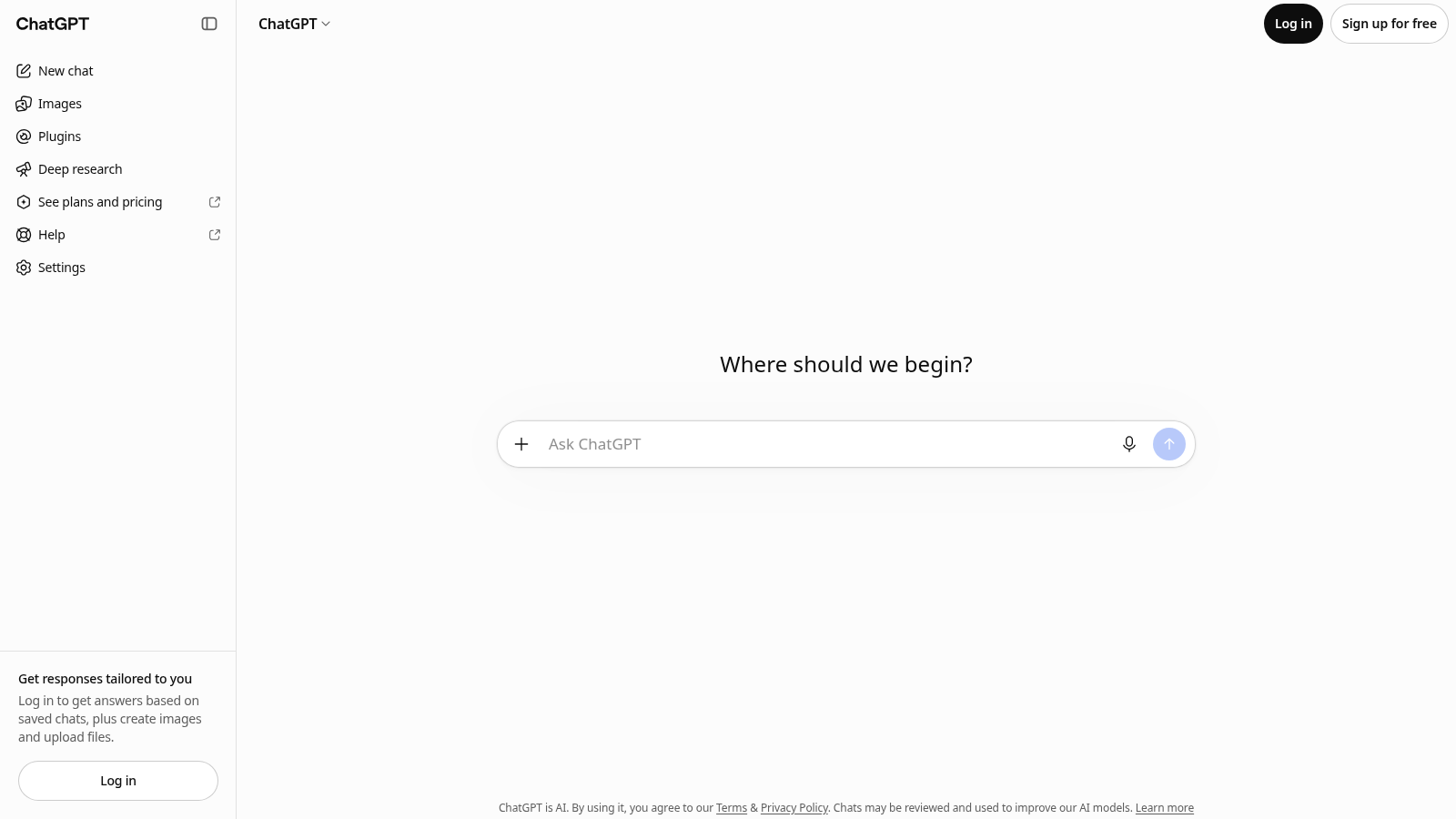
ChatGPT Plus homepage
ChatGPT Plus
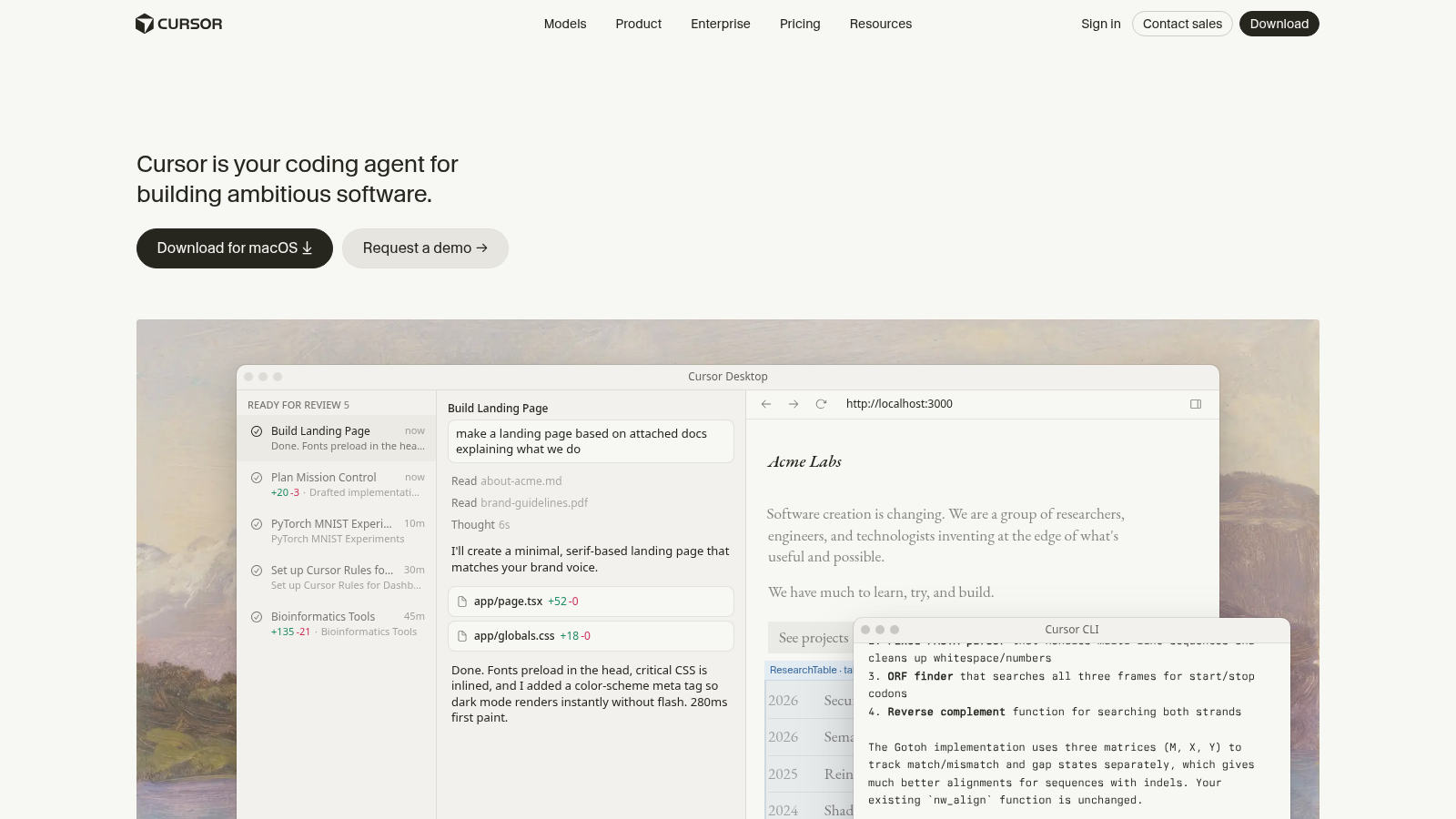
Cursor homepage
Cursor
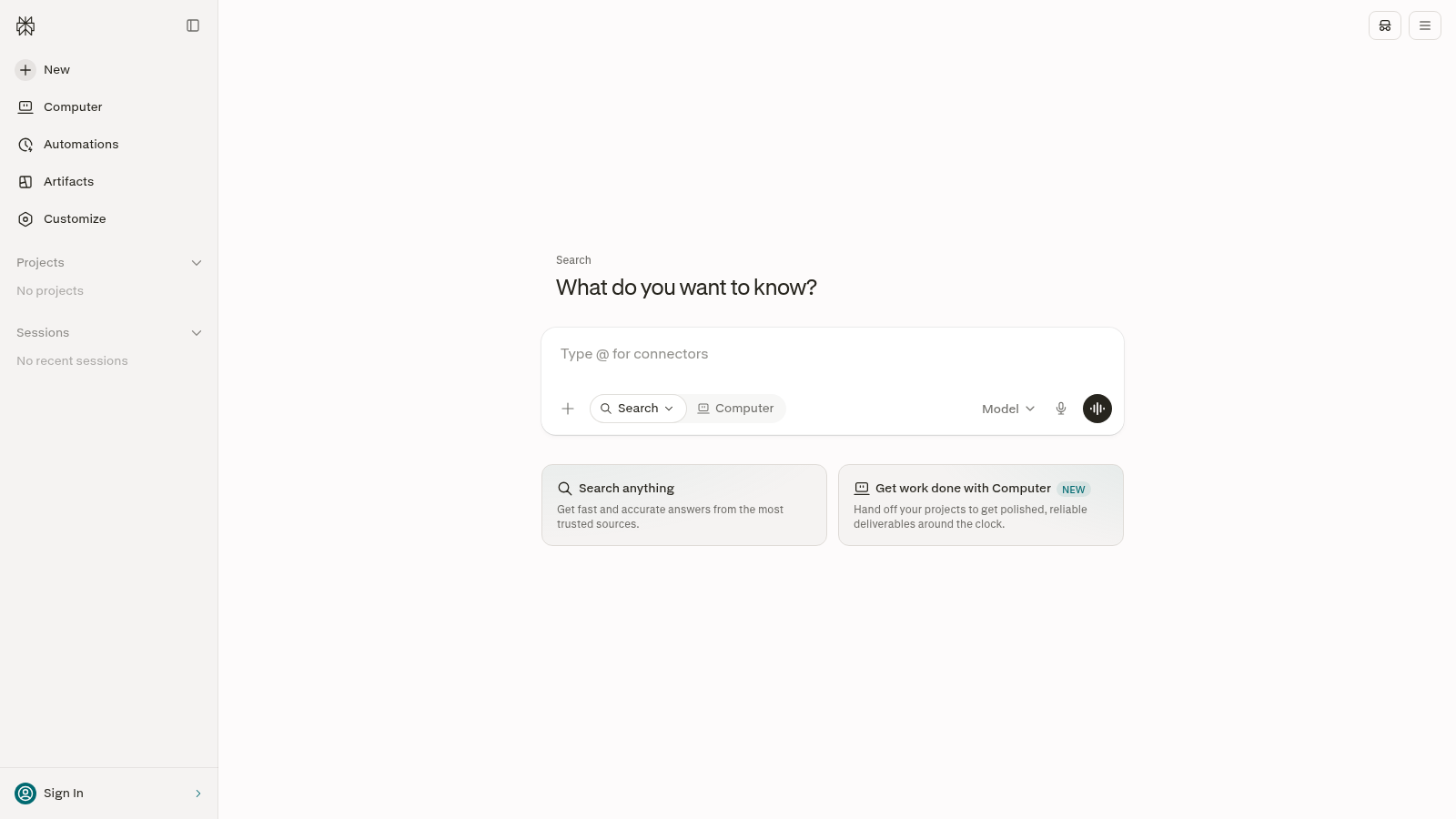
Perplexity homepage
Perplexity
Midjourney homepage
Midjourney
Suno homepage
Suno
Opus Clip homepage
Opus Clip
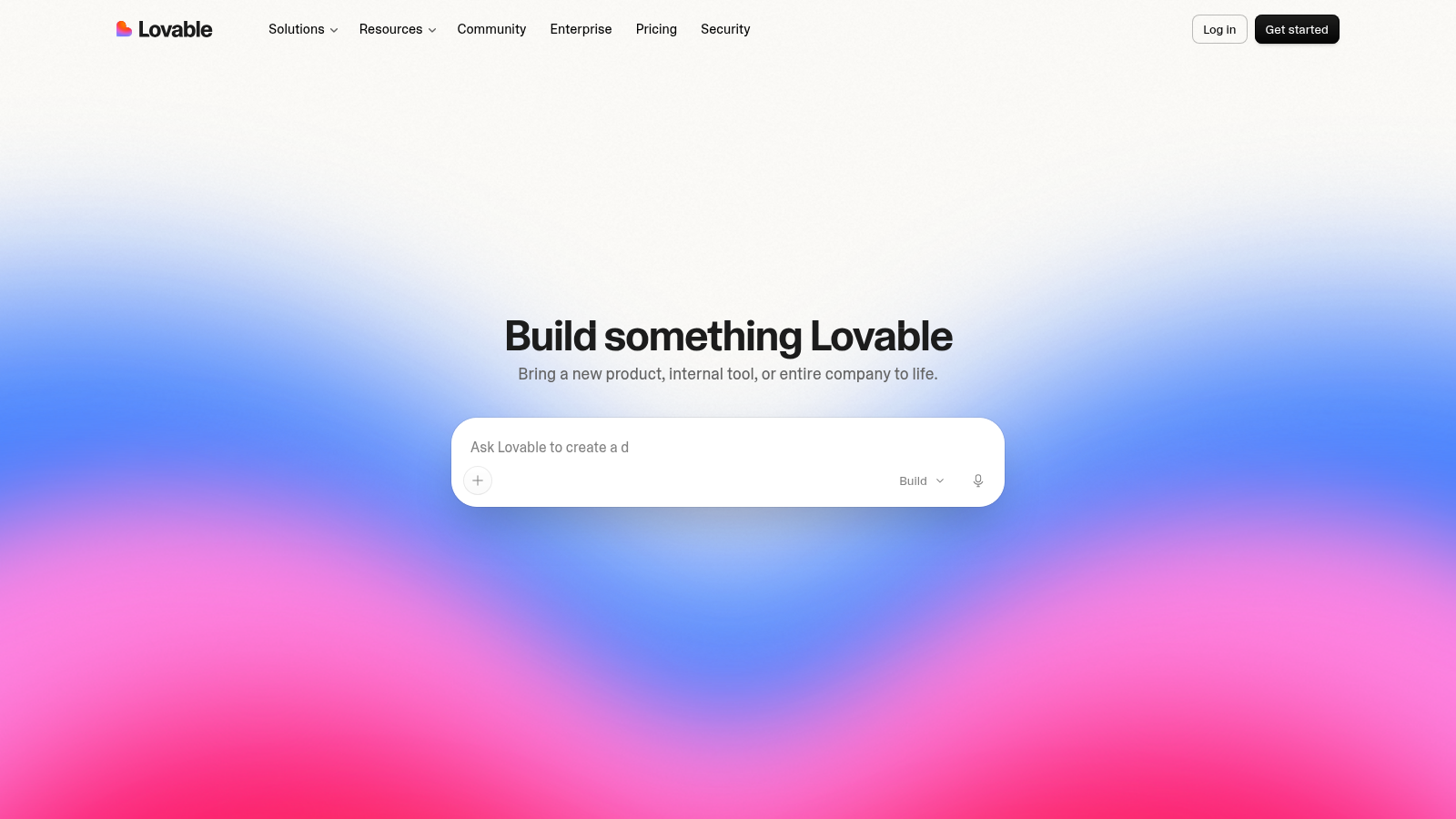
Lovable homepage
Lovable
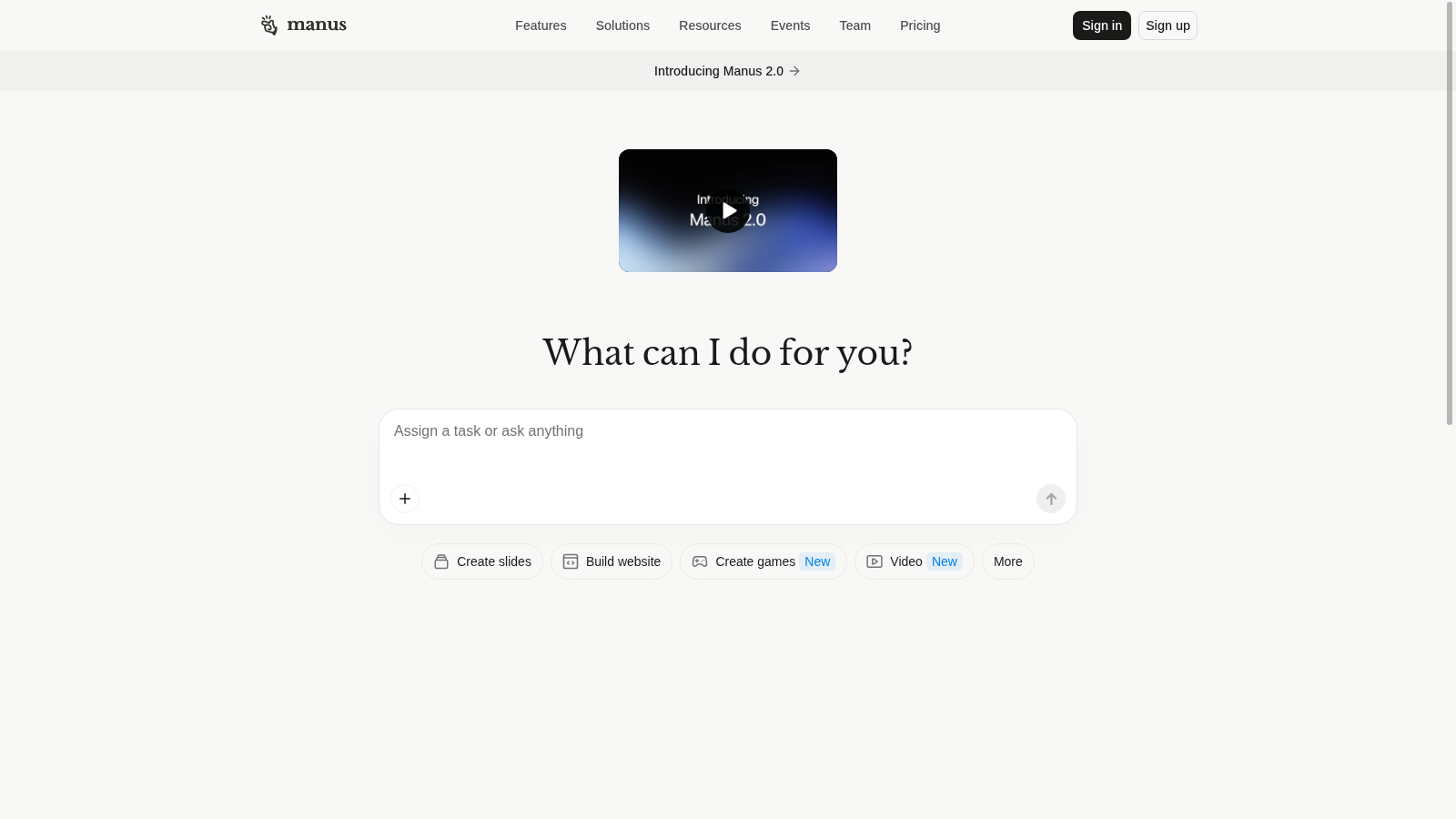
Manus homepage
Manus
Topaz Gigapixel homepage
Topaz Gigapixel
Photoshop homepage
Photoshop

It’s about more than free.
It’s about the ability to build!

Timestamps and links below.

1 of 10

ChatGPT Plus vs Open WebUI

01 / 10ChatGPT PlusvsOpen WebUI
But

Even Plus can cap your messages.

Paying every month doesn’t
mean unlimited access.
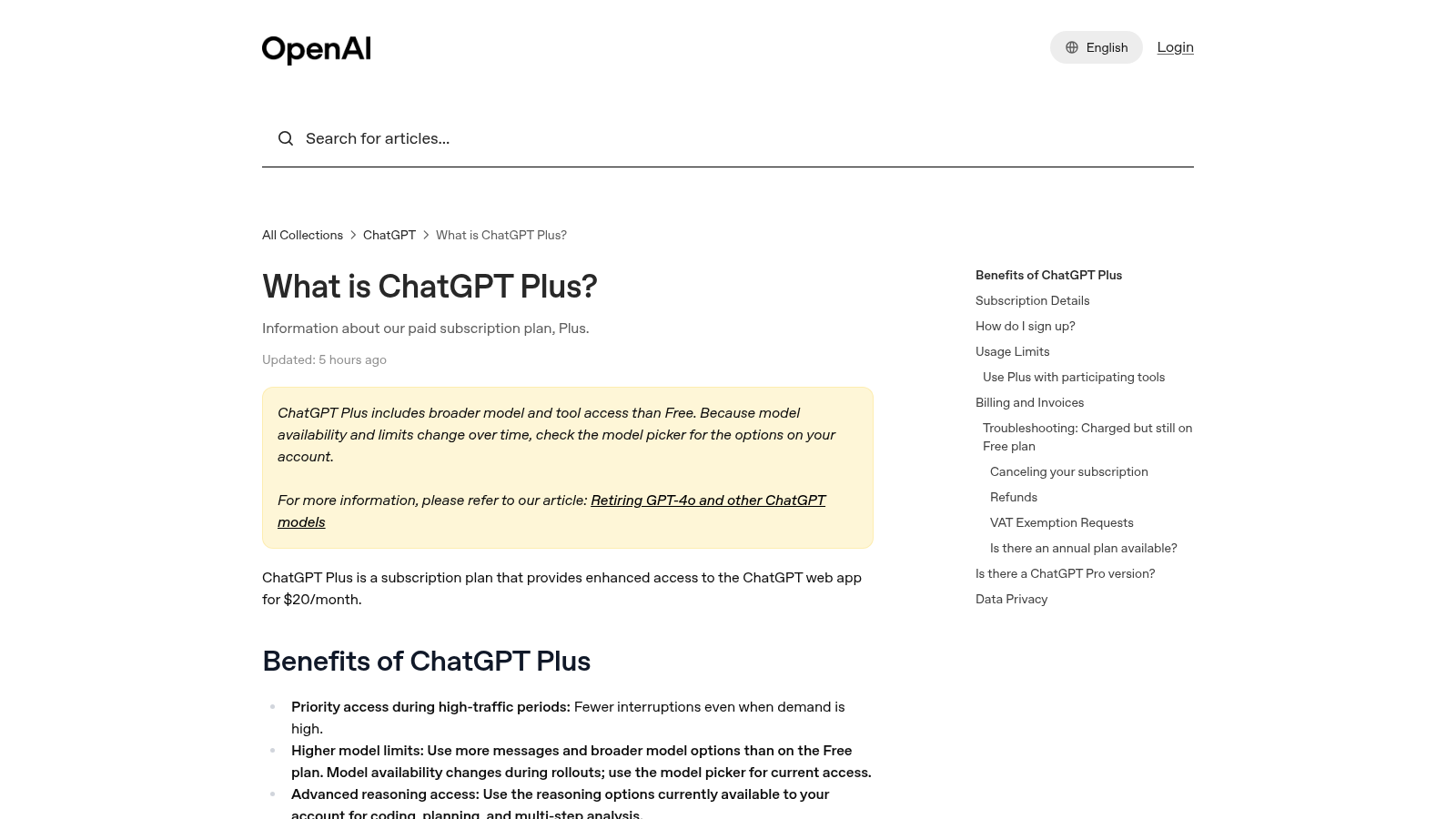
OpenAI Help Center explains ChatGPT Plus access and limits
01 / 10ChatGPT PlusvsOpen WebUI
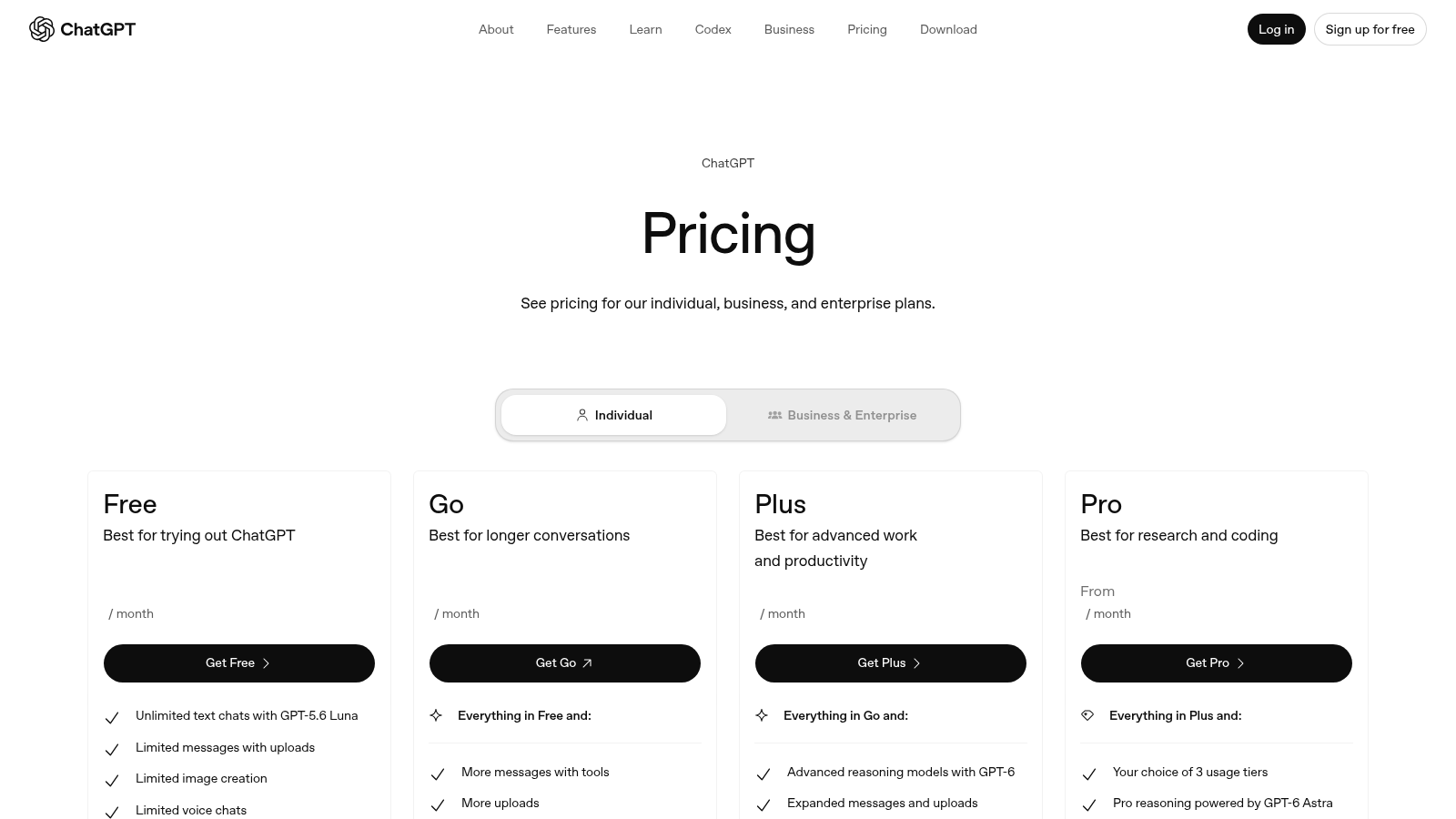
The price

ChatGPT Plus is
$20 a month.

ChatGPT pricing page
01 / 10ChatGPT PlusvsOpen WebUI
On GitHub

Then a team put it on GitHub.

Open WebUI is a free chat app
you run on your own server.

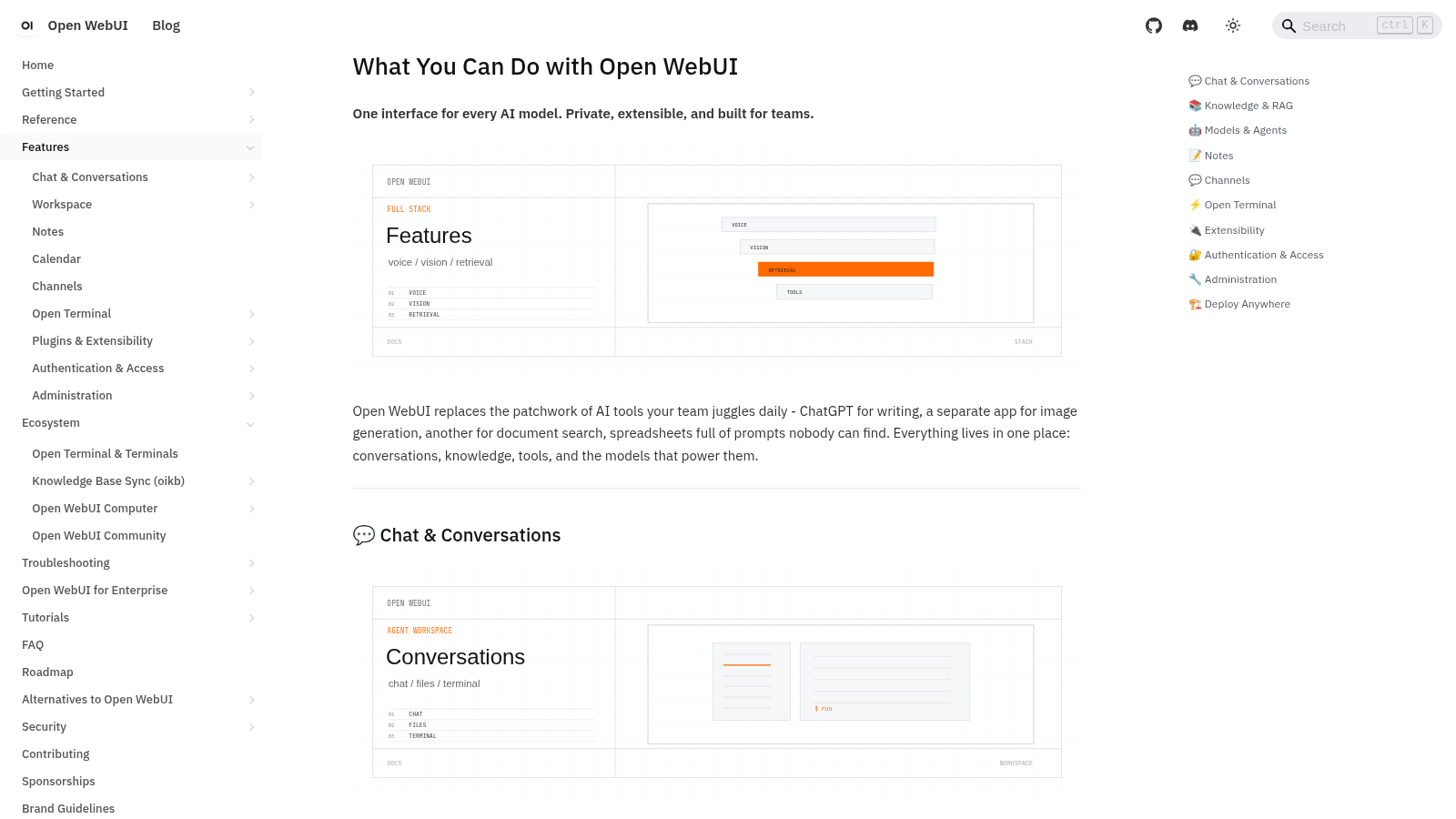
Open WebUI homepage — The freedom AI stack
01 / 10ChatGPT PlusvsOpen WebUI
How you use it

Install it on a computer you control.

Open it in your browser.

Connect Ollama for free local AI,
or add a key for pay-per-use AI.
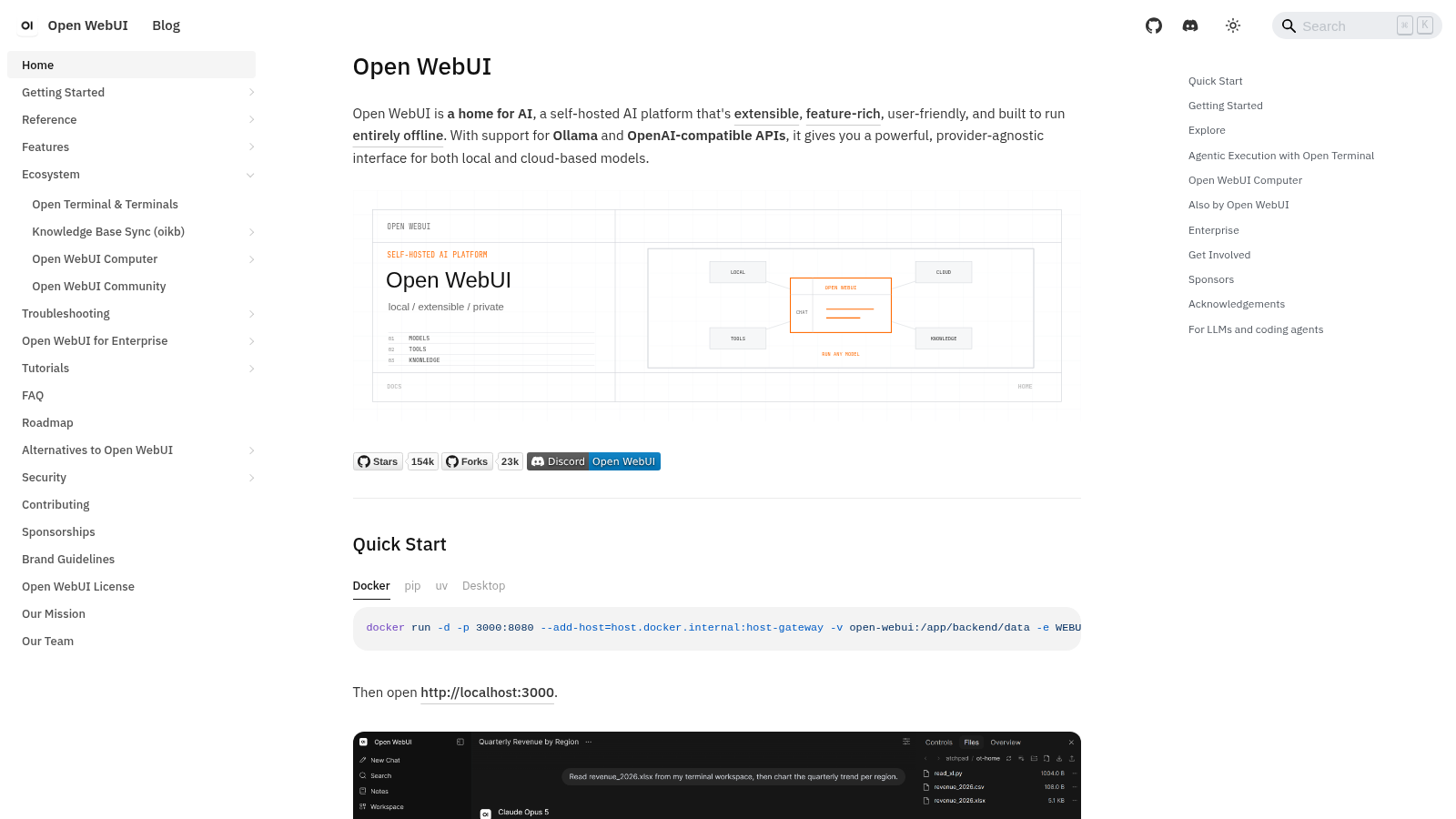
Open WebUI documentation and quick start
01 / 10ChatGPT PlusvsOpen WebUI
What it ships
  • Team accounts: Give each person their own login.
  • Your documents: Ask questions about files you upload.
  • Web search: Bring search results into the chat.
Open WebUI feature documentation
01 / 10ChatGPT PlusvsOpen WebUI
Worth noticing

Local AI needs a decent computer;
self-hosting takes work.

Its custom license has branding terms.

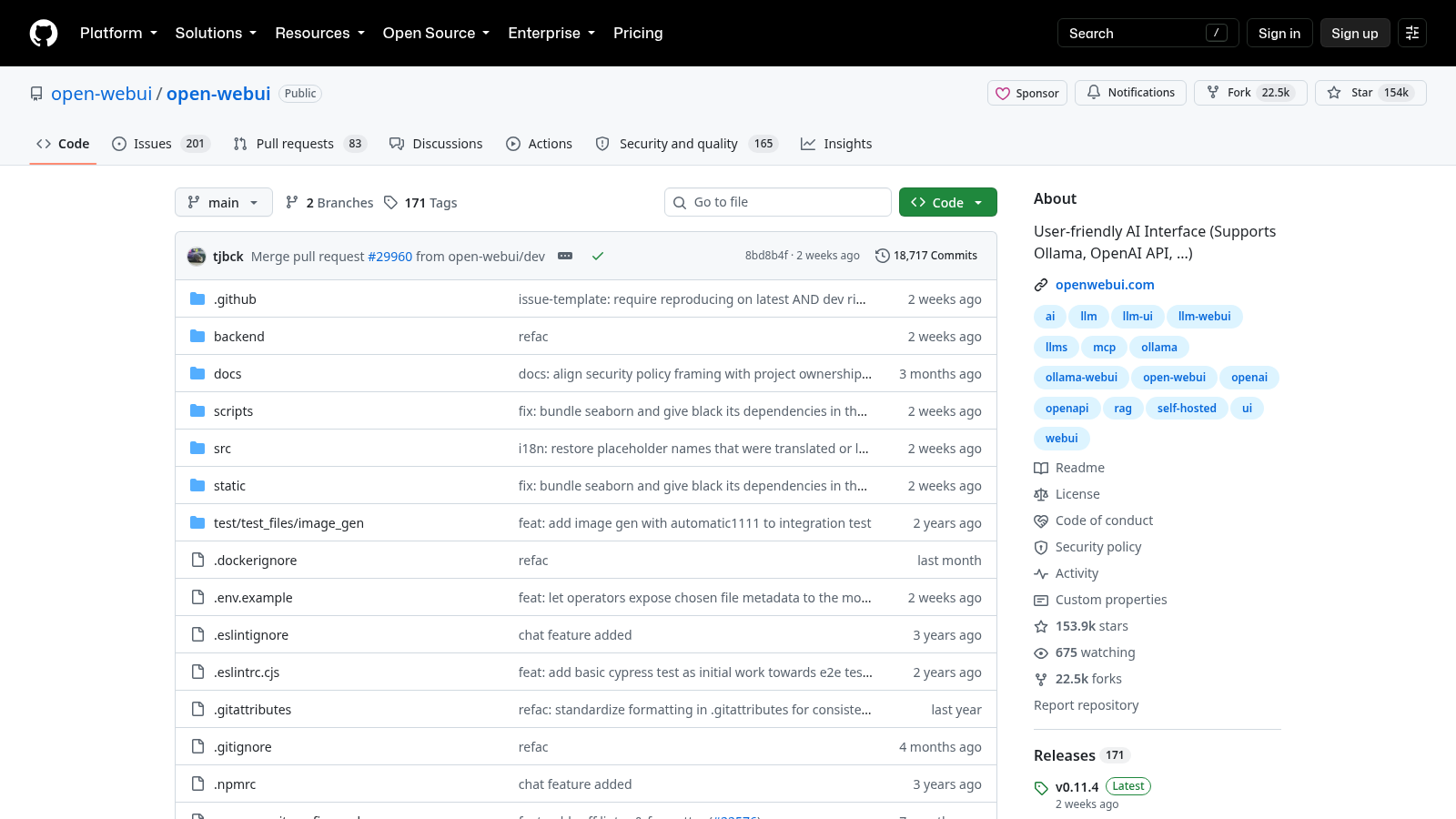
Stars
153,928
Forks
22,502
Releases
171
License
Open WebUI
(custom)

GitHub · October 4, 2026

Open WebUI GitHub repository
2 of 10

Cursor Pro vs Cline

02 / 10Cursor ProvsCline
But

Pro includes a limited pool of AI use.

Once it runs out, extra use
adds to your bill.
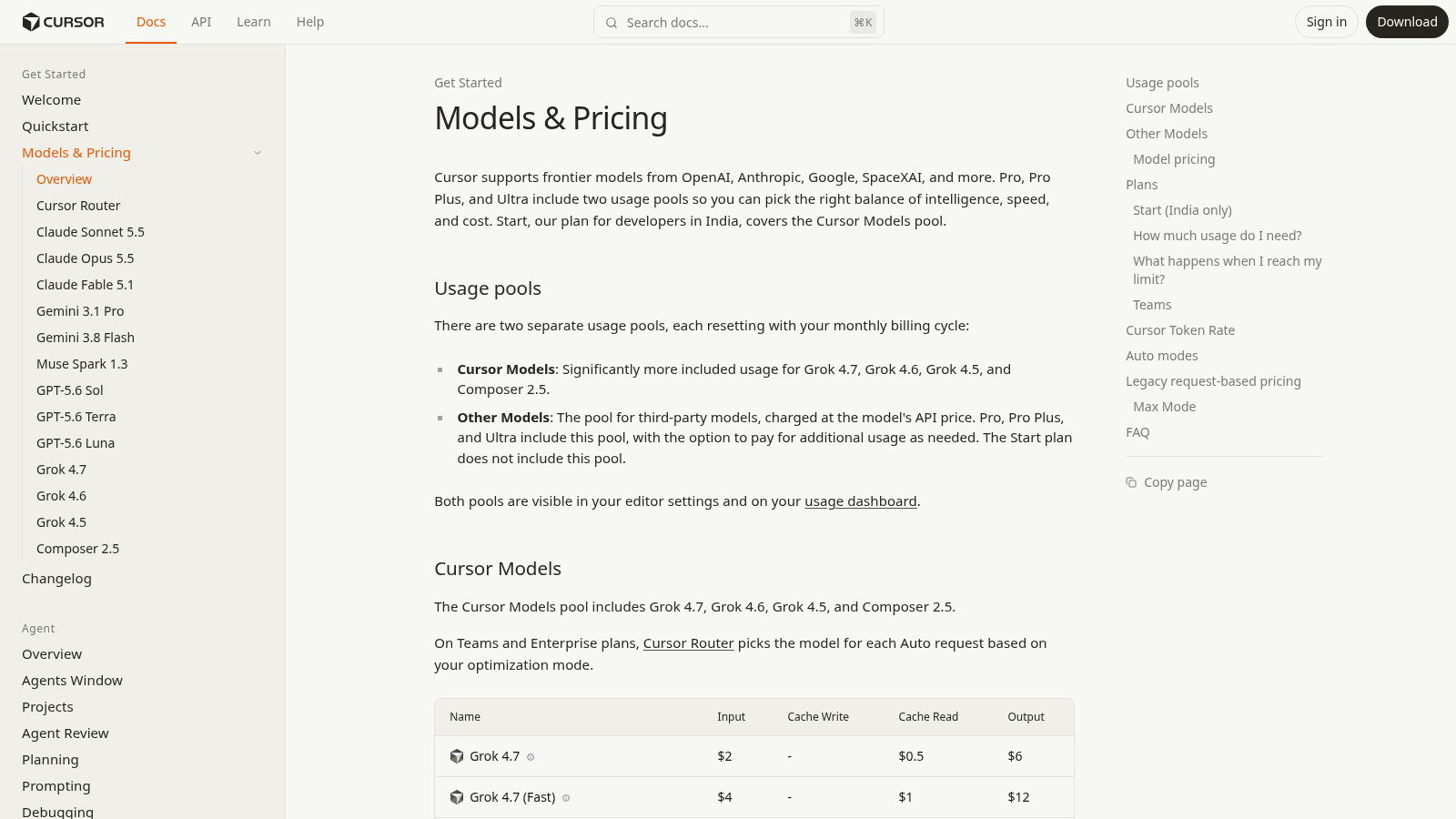
Cursor documentation explains usage pools and additional paid usage
02 / 10Cursor ProvsCline
The price

Cursor Pro is
$20 a month.

Cursor monthly pricing page with Pro selected
02 / 10Cursor ProvsCline
On GitHub

Then a team put it on GitHub.

Cline is a free coding agent
that works inside VS Code.
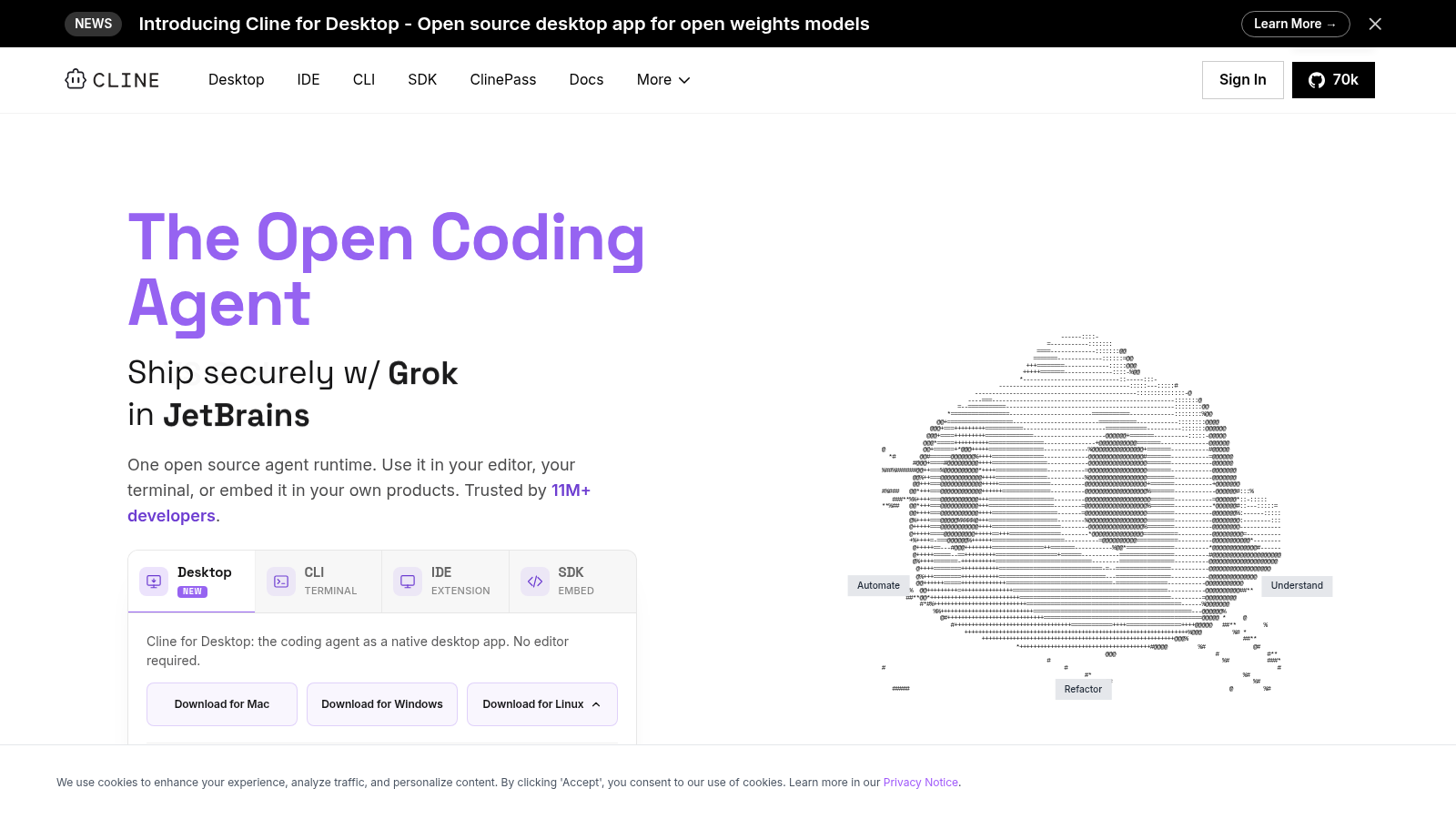
Cline homepage — The Open Coding Agent
02 / 10Cursor ProvsCline
How you use it

Install Cline in the VS Code editor.

Connect your own AI model.

Describe the change you want,
then review and approve its work.
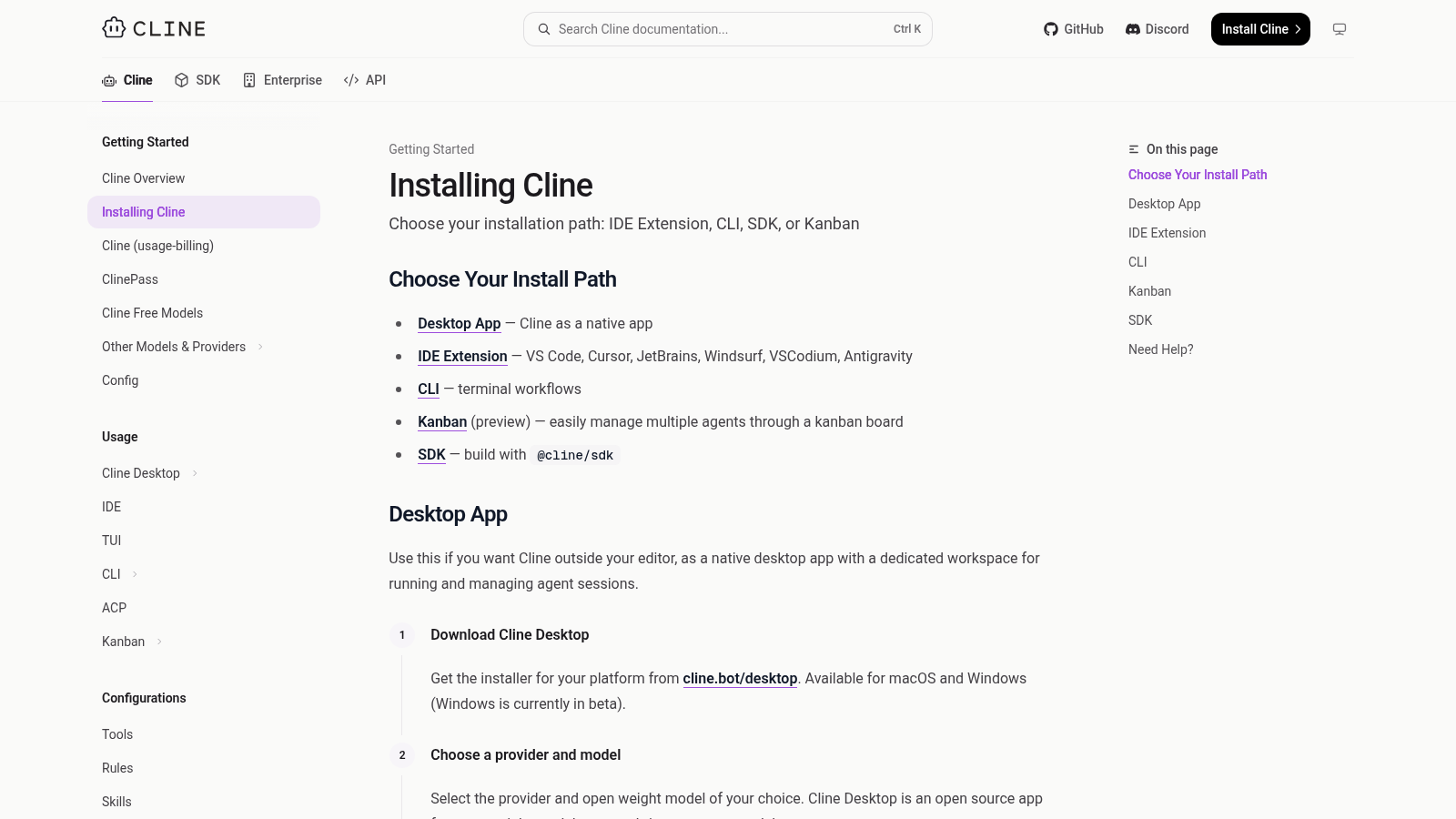
Cline installation guide
02 / 10Cursor ProvsCline
What it ships
  • Project edits: Change files across your app.
  • Test runs: Run checks and read the results.
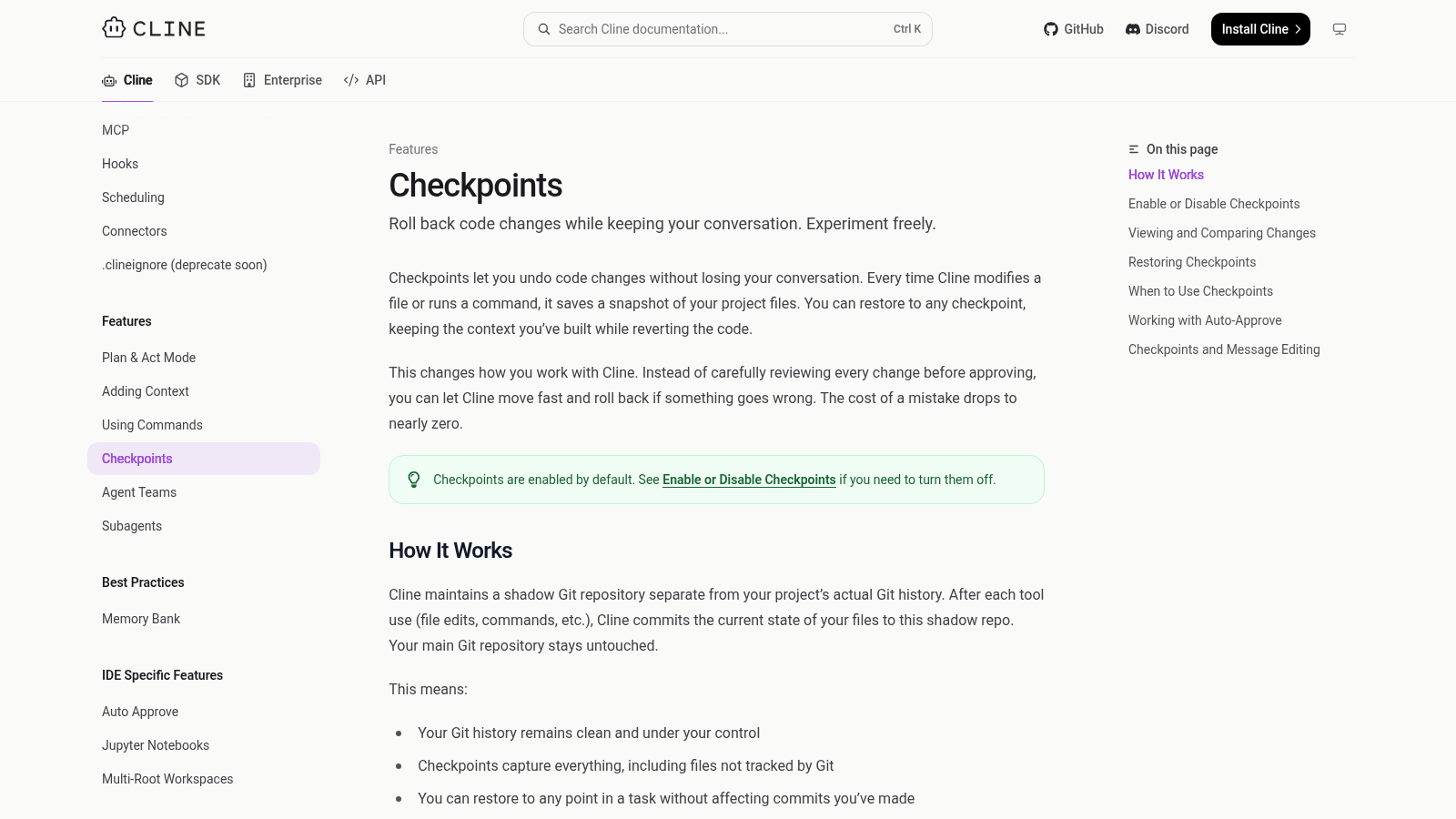
  • Checkpoints: Undo the agent’s changes.
Cline documentation about restoring checkpoints
02 / 10Cursor ProvsCline
Worth noticing

The software is free;
AI usage can still cost money.

Bring a paid model key, or run
a local model on a decent computer.

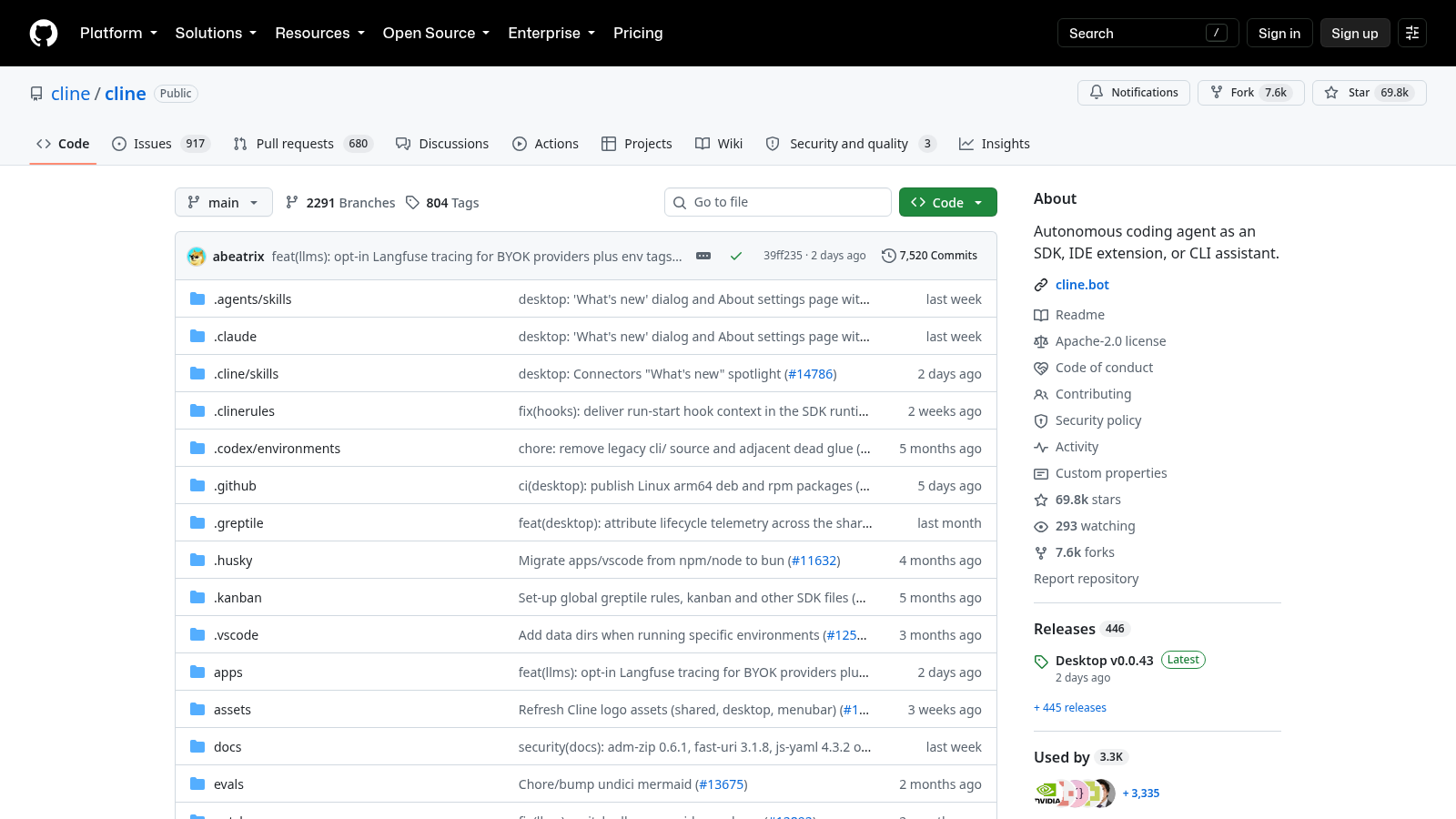
Stars
69,829
Forks
7,600
Releases
446
License
Apache-2.0

GitHub · October 4, 2026

Cline GitHub repository